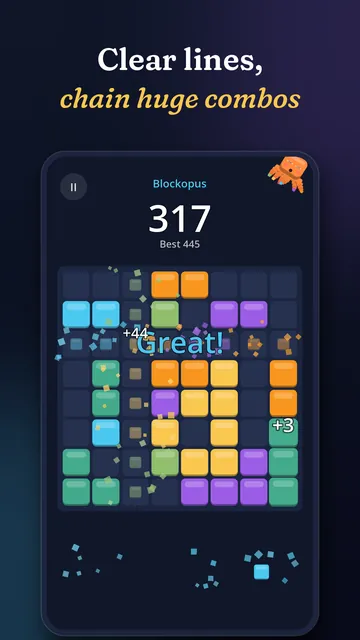
Classic
Endless and relaxing. No timer, just you, the board and your best score.
 Erudite Octopus
Blockopus: Block Puzzle
The block puzzle with an octopus who cheers every combo.
Drop blocks, clear lines, chase combos with a very clever octopus.
Free on Android. Not on Google Play yet: check back soon.
The video loads from YouTube (privacy-enhanced mode) only when you press play.
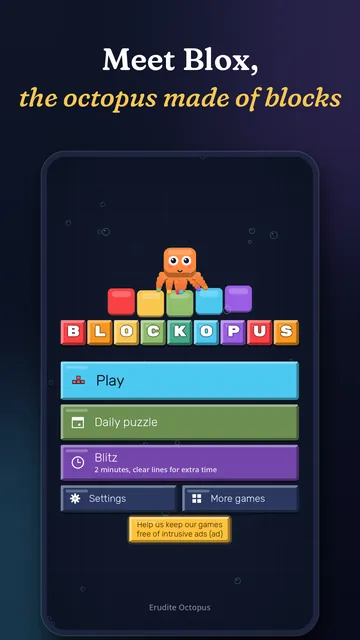
Meet Blox, an octopus made of blocks who can't stop smiling. Drag blocks onto the board, fill rows and columns to clear them, and chain clears into huge combos.
Easy to learn, hard to put down, and always fair: every set of pieces gives you a way forward. Play for two minutes on the bus or an hour on the sofa.
Endless and relaxing. No timer, just you, the board and your best score.
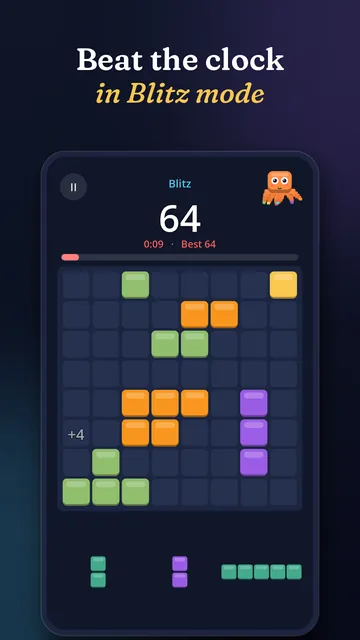
Two minutes on the clock. Every line you clear wins you more time.
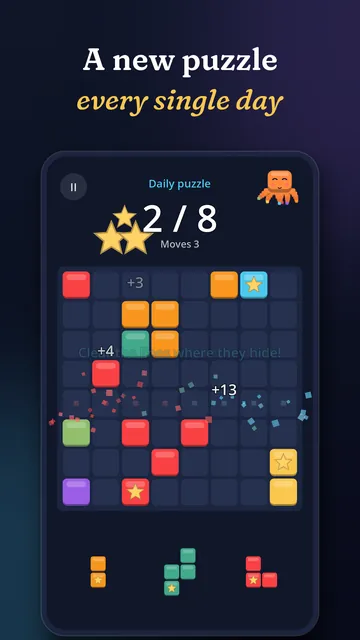
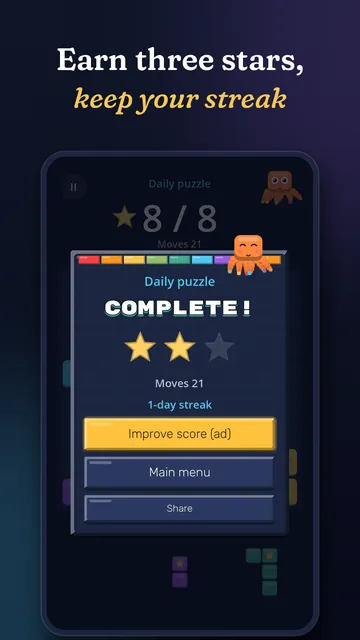
The same board for everyone, every day. Come back tomorrow and keep your streak alive.
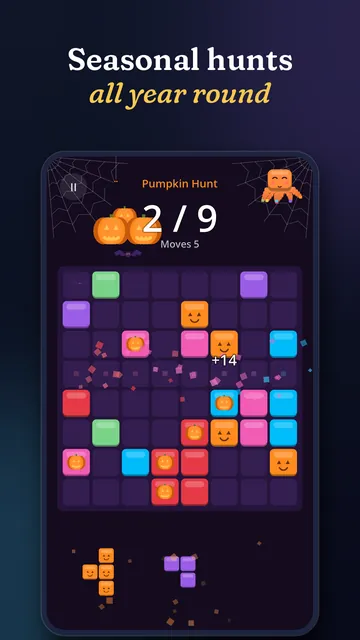
Pumpkin Hunt at Halloween, gifts at Christmas, hearts on Valentine's Day and more. Find the treasures hidden in the blocks and earn up to three stars.
Every set of pieces gives you a way forward. When the board fills up, it's on you, not on bad luck.
Bouncy blocks, juicy effects and crunchy sounds on every move.
One new board a day, the same for everyone, with a streak to protect.
Halloween, Christmas, Valentine's Day and more, each with its own colours, music and decorations.
Ads only show between levels, never mid-game. Second chances are an ad you choose to watch.
No connection needed to play. Internet only brings seasonal content and ads.
English, Portuguese and Spanish, with German, French and Italian arriving in the next update.
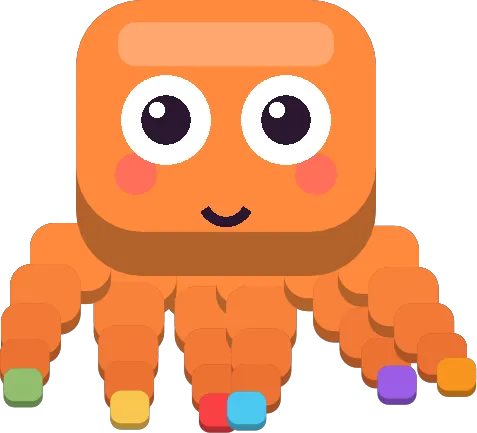
The block octopus who loves a good combo. He watches every piece you drag, cheers your big clears and sulks a little when you run out of space. Eru's cousin, probably.
Bright underwater tunes for Blox: marimba, plucked bass, bubbly synth blips, steel drum and shaker. At Halloween it turns into a cute haunted shipwreck with xylophone and harpsichord.
Yes, it's free on Google Play. There are two optional one-time purchases: Remove ads (about 2.99 EUR) turns off the ads between levels, and Premium (about 4.99 EUR) removes all ads and gives free help within a daily limit. No subscriptions.
Ads only show between levels, never while you're placing blocks. Second chances use a short ad that you choose to watch, and you can remove ads with a one-time purchase.
Yes. You can play Classic, Blitz and the daily puzzle without a connection. Internet unlocks the seasonal content and the ads.
English, Portuguese and Spanish, with German, French and Italian arriving in the next update. The game picks your phone's language.
Android phones, through Google Play.
Blockopus is made for players aged 13 and over who like a calm brain break. The official age rating is shown on Google Play.
No name, email, contacts, photos or precise location. It uses a random install ID and game events to see how the game is played, error reports to fix bugs, and the advertising ID and approximate location (from your IP) for ads. If you sign in to Google Play Games, a pseudonymous player ID. You can ask us to delete your data, and uninstalling resets the install ID.
Every day there is one new board, the same for every player. Finish it to grow your streak, then come back tomorrow for the next one.
Yes. Music, sounds and vibration can each be turned off in Settings.
 JarlightSort glowing fireflies into jars and light up a magical night garden.
 PuttpourriMini golf through tiny worlds: kitchen tables, candy lands, toy boxes and space.
 WhiskoutSlide the furniture and help Tofu the cat slip out through the cat flap.
 RitmeraGuess the song with friends around one phone, using your own music app.
 BlendiCatch falling paint and mix the perfect colour with Blendi the chameleon.
 HootshotWait for the perfect moment and snap the photo with Hoot the owl photographer.
 CuriotilesMatch three alike curios in Mags' enchanted antique shop and fill her cabinet.
 Duelzy8 quick duels for 2 players on one phone. Or take on Bolt the robot alone!
 BloomsteadGrow crops, raise animals and beat the weather on a cosy farm with Boo!
 KeyhallowEscape an old house room by room, with Wisp the lantern flame lighting the way.
 FibbitEveryone knows the secret word, except the impostor. Who is fibbing tonight?
 TwistreamTurn the pipes, make it flow! Water, power, steam, lasers and lava with Dot.
 TiltwitPhone on your forehead, friends give clues. Right hand: got it! Left hand: pass.
 SquiggloDrawing telephone for 3 to 12: draw it, guess it, laugh at what it became!
 CrossnookA new mini crossword every day, arrow words and Inky the bookworm. Cosy & calm.
 FizzbrewSwap potions, brew lightning and bombs! A match 3 puzzle with Cinder.
 OvershareyBe kind, be quick, spot the scams! A social media puzzle hosted by a parrot.
 BurrowbarkAnimal rescue puzzles with a beagle and a mole. Push, dig and sniff them home!
 FoxshuffleCosy Klondike, Spider and FreeCell by the fire. Every deal can be won!
 CuedilloReal pool physics, 500+ trick shots, spin, swerve and jump shots with Rollo.
 FurtilleryAnimal special forces brawl over a neon city. One finger, total chaos.